


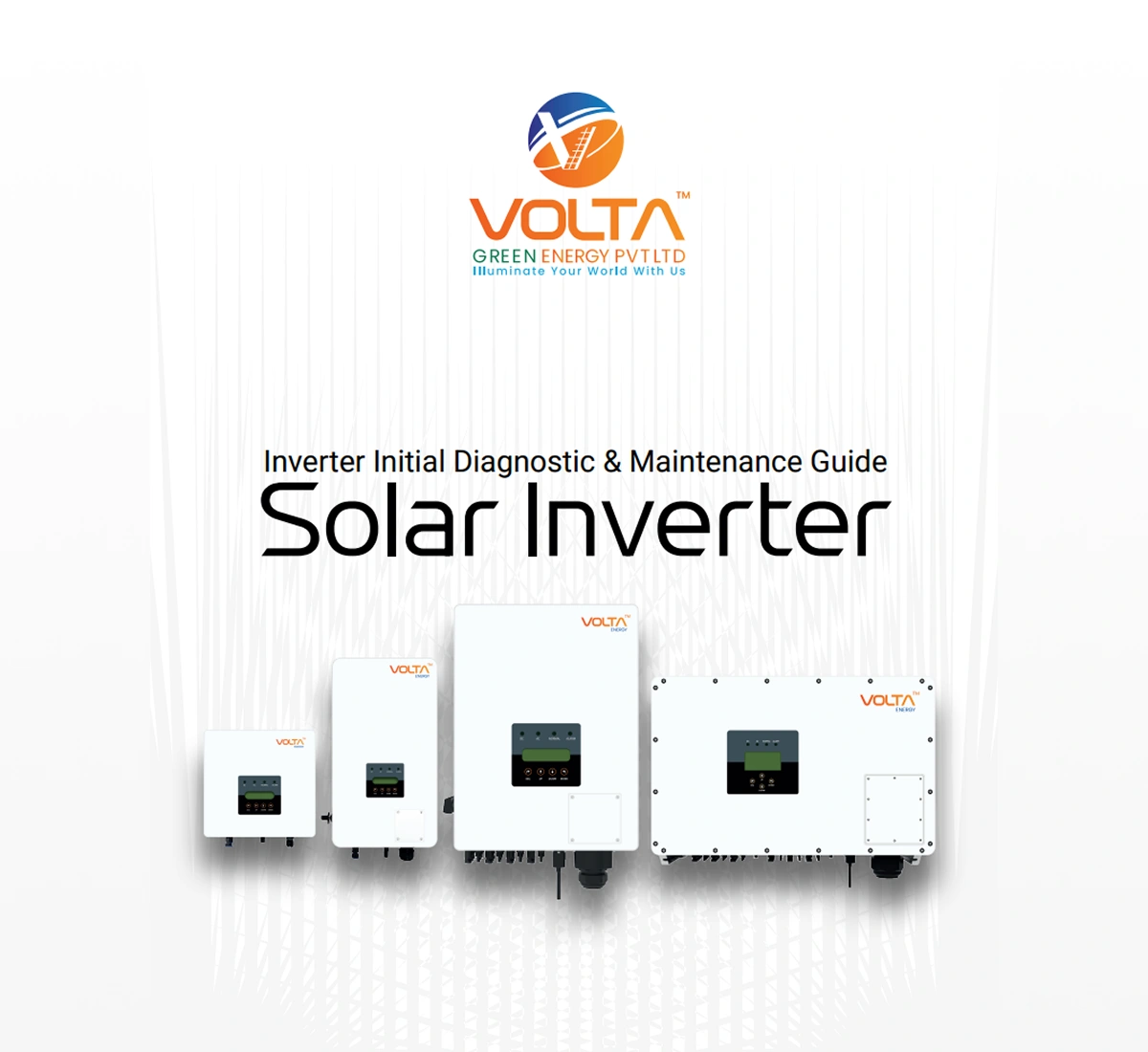
Inverter Maintenance Guidelines by VoltaGreen
An inverter is an essential backup power solution for homes, offices, and commercial spaces. It ensures uninterrupted electricity during power cuts and helps keep important appliances running smoothly. However, like any electrical equipment, an inverter requires regular maintenance to perform efficiently and last longer. Proper care not only improves the inverter’s performance but also increases battery life, reduces repair costs, and prevents unexpected breakdowns.
This inverter maintenance guide will help you understand the best practices to keep your inverter system safe, reliable, and energy-efficient.
Keep the Inverter Clean
Dust and dirt accumulation can affect the cooling system and overall performance of the inverter. Over time, blocked ventilation can cause overheating, which may damage internal components.
Clean the exterior of the inverter regularly using a dry and soft cloth. Avoid using water or wet cleaning materials near electrical equipment. Make sure the ventilation openings are free from dust and obstructions so the inverter can release heat properly.
For areas with high dust levels, cleaning should be done more frequently to maintain proper airflow.
Check Battery Water Levels
If your inverter uses tubular or lead-acid batteries, checking the battery water level is extremely important. Low water levels can damage the battery plates and reduce backup performance.
Inspect the battery water level every 1 to 2 months and refill it only with distilled water when necessary. Never use normal tap water because minerals and impurities can harm the battery.
Maintaining proper water levels helps improve battery efficiency and extends its lifespan significantly.
Inspect Battery Terminals
Battery terminals can develop corrosion over time, which may interrupt the flow of electricity and reduce charging efficiency.
Regularly inspect the terminals for rust, white deposits, or loose connections. Clean the terminals carefully using a dry cloth or a mixture recommended by the manufacturer. Tighten loose connections to avoid sparking or power interruptions.
Clean and secure terminals ensure smooth charging and better inverter performance.
Avoid Overloading the Inverter
Every inverter has a specific power capacity. Running appliances beyond the inverter’s load limit can lead to overheating, system shutdowns, or permanent damage.
Always calculate the total load connected to the inverter and avoid operating heavy appliances that exceed its capacity. Prioritize essential devices such as lights, fans, routers, and televisions during power outages.
Proper load management improves inverter efficiency and prevents unnecessary strain on the system.
Ensure Proper Ventilation
Inverters and batteries generate heat during operation and charging. Poor ventilation can cause overheating, reduced efficiency, and shorter equipment life.
Place the inverter in a cool, dry, and well-ventilated area away from direct sunlight and moisture. Keep enough space around the inverter and battery for air circulation.
Good ventilation helps maintain stable performance and reduces the risk of overheating during long power cuts.
Monitor Battery Performance
The battery is the most important part of an inverter system. Weak or damaged batteries can reduce backup time and affect overall performance.
Pay attention to signs such as:
- Reduced backup duration
- Slow charging
- Excessive heating
- Swollen battery body
- Frequent low battery alerts
If you notice these issues, it may be time for battery servicing or replacement. Timely action prevents sudden failures and ensures reliable backup power.
Perform Regular Charging
Even when there are fewer power cuts, the inverter battery should remain properly charged. Long periods without charging can weaken battery performance.
Most modern inverters automatically manage charging cycles, but regular usage and occasional discharge-recharge cycles help maintain battery health.
Avoid completely draining the battery repeatedly, as deep discharge can shorten its lifespan.
Protect Against Voltage Fluctuations
Voltage fluctuations can damage the inverter and connected appliances. Installing surge protectors and proper earthing helps safeguard the system from sudden power surges.
Regularly inspect the earthing connection and ensure all protective devices are functioning properly. Stable voltage supply improves inverter safety and efficiency.
Schedule Professional Servicing
While basic maintenance can be done at home, professional servicing is recommended at least once a year. Certified technicians can inspect internal components, test battery health, verify wiring, and identify hidden issues before they become serious problems.
Professional maintenance helps improve system reliability and ensures your inverter continues to perform at its best.
Follow Manufacturer Instructions
Different inverter brands and battery types may have unique maintenance requirements. Always follow the manufacturer’s guidelines regarding cleaning, charging, battery care, and servicing intervals.
Using the inverter according to the recommended instructions helps maintain warranty coverage and reduces the risk of operational issues.
Signs Your Inverter Needs Immediate Attention
Do not ignore warning signs that indicate inverter problems. Common signs include:
- Continuous alarm sounds
- Burning smell
- Excessive heat
- Frequent tripping
- Sudden shutdowns
- Reduced backup time
- Display error messages
If any of these issues occur, disconnect the system if necessary and contact a professional technician for inspection.
Regular inverter maintenance is essential for ensuring uninterrupted power backup, longer battery life, and safe operation. Simple practices like cleaning the system, checking battery water levels, maintaining ventilation, and avoiding overloads can make a significant difference in performance and durability.
A well-maintained inverter not only saves money on repairs and replacements but also provides peace of mind during unexpected power outages. By following this inverter maintenance guide, you can keep your inverter system running efficiently and reliably for many years.